Owners
Profit & loss and reports for every check-cashing location
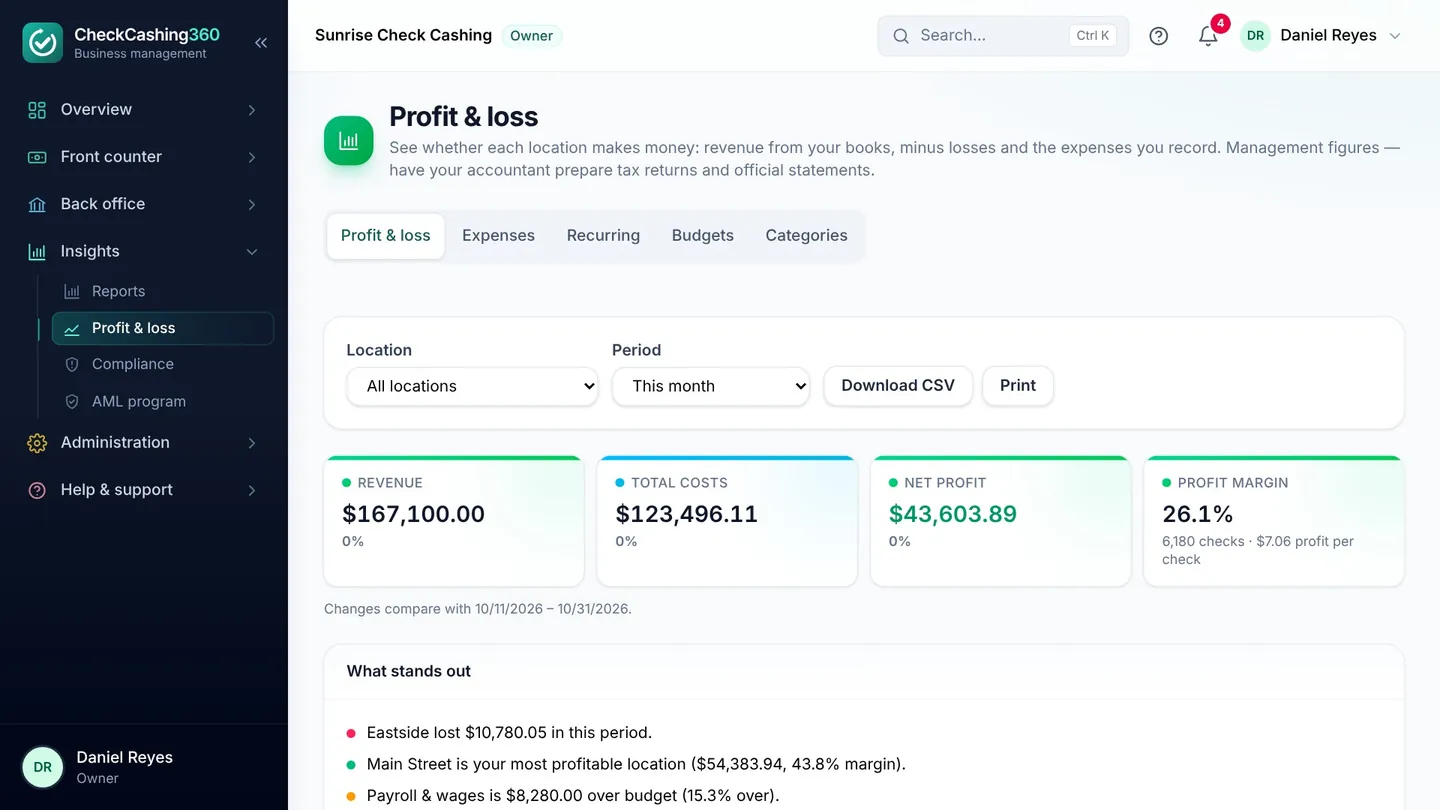
See whether each location makes money. Revenue comes straight from your books, minus drawer shortages, written-off checks and the expenses you record, with budgets, a weekly profit email and an alert when a store starts losing money.
What you get
Profit by location
Each location and the whole business, for any period, compared with the period before, with profit per check and break-even.
Expenses with receipt photos
Record rent, payroll and bills with a photo of the receipt. Set up recurring expenses once.
Shared costs split fairly
Split a shared cost, such as insurance or accounting, between locations equally or by percent.
Budgets
Set a monthly budget for each expense category and see spending against it.
Weekly profit email
A short email every week with each location’s profit, and an alert when a store starts losing money.
QuickBooks export
Balanced daily journal entries, including your expenses, for QuickBooks Online (CSV) or QuickBooks Desktop (IIF), mapped to your account names.
Reports for every question
Daily, monthly and yearly reports by location, with check volume, fee revenue and money services.
- Shift and daily-close reports
- CSV downloads of any report
- An owner dashboard with every location at a glance
- Download all of your records whenever you like
Numbers you can trust
Revenue and losses are read from the same balanced ledger your drawers post to, so profit & loss matches your cash.
- Losses include drawer shortages and written-off checks
- Auditors get read-only access
- Every change is recorded in the activity log
Questions
Do I still need an accountant?
Profit & loss here is a management view for running your locations. Your accountant still prepares your tax returns; the QuickBooks export gives them clean daily entries.
Who can see profit & loss?
Owners and auditors. Managers can record expenses for their own locations, with receipts.
More features
Cash drawers & deposits
Drawer counts, vault, over/short, sign-off, bank deposits, returned checks and collections.
Learn moreCheck cashing
Fee quotes, state fee limits, duplicate blocking, approvals, check and ID readers, receipts.
Learn moreCompliance
CTR aggregation, structuring alerts, CTR/SAR cases, CTR worksheet, OFAC, AML program, examiner package.
Learn moreTry profit & loss with your own team
Every new business gets a free trial with full features. Want to look around first? The live demo works without an account.